library · tech brief

What happens when the wifi drops?

A queue at the counter, a card in someone's hand — and the connection picks that exact moment to fall over. On a rural site it will happen. The only question that matters is whether your till stops dead, or keeps serving and quietly sorts itself out when the line returns.

the dividing line

A till on a web page dies with the wifi.

If your point of sale is just a browser tab, the connection is the till. When it drops, you stop trading. A till built as a real app on the device is a different animal entirely.

the reality

Rural sites and imperfect lines.

Garden centres and nurseries are rarely on a fibre backbone. They sit at the edge of town, down a lane, in a valley, under a polytunnel with a single overworked router — and the connection wobbles. A delivery van passes the mast, the weather turns, the line just blinks. On a busy Saturday with a queue building, that blink cannot be allowed to stop the till.

This is where the shape of the software decides everything. Plenty of "cloud" point-of-sale is really a web page: every keystroke needs the server, so the moment the line drops the screen freezes and the queue stops with it. The cloud was supposed to make you resilient; built this way, it makes you fragile.

A resilient till takes the opposite approach at the counter. It is a separate, purpose-built point-of-sale app that runs on the device in front of the cashier, backed by a system of record behind it. The app rings the sale, takes the money and prints the receipt locally, then pushes the completed result upstream. The connection carries the result of a sale; it isn't needed to make one.


The till runs on the counter, not in the cloud.

the architecture

The till runs on the counter, not in the cloud.

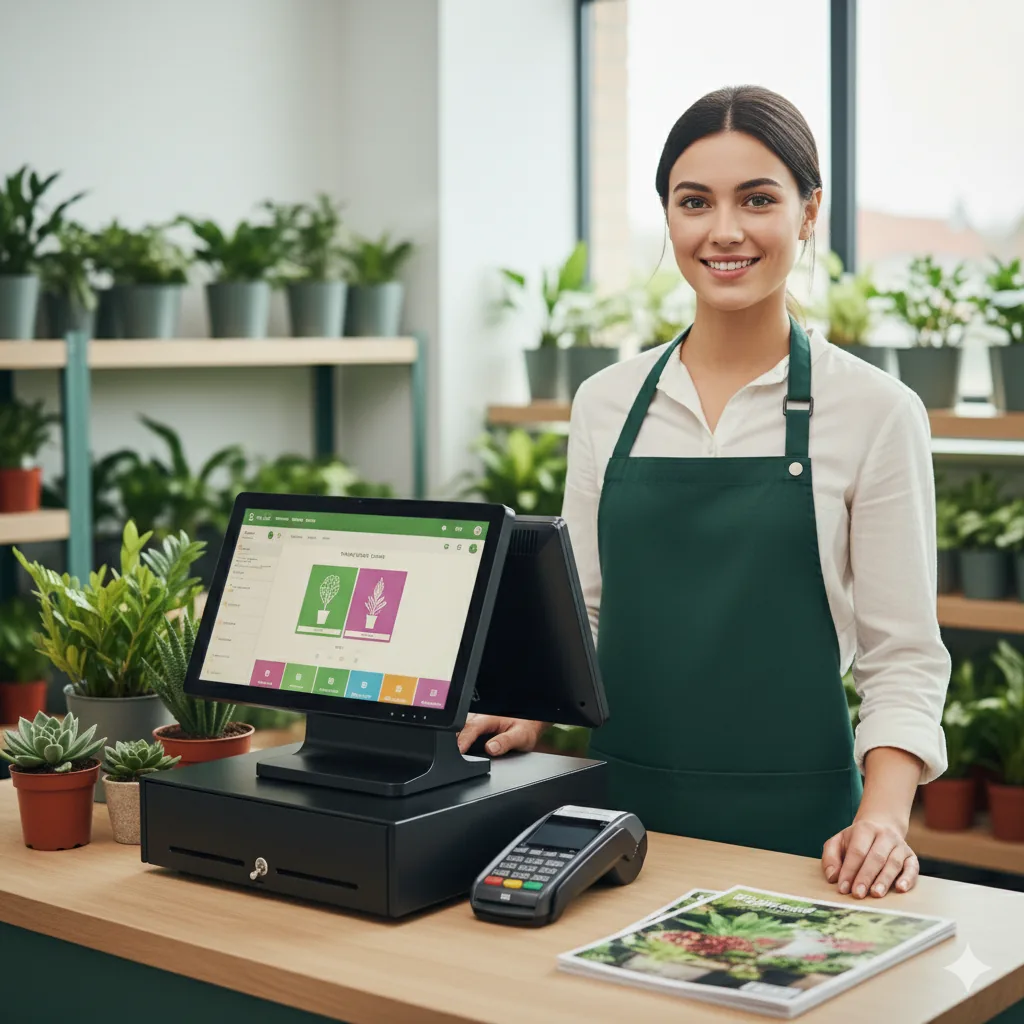
Because the till is a real app on the device rather than a tab pointed at a server, it keeps doing its job when the line is down. The cashier carries on: scan the basket, take the payment, hand over a printed till receipt, serve the next customer. None of that waits on a round trip to head office.

The back-office system stays the system of record: it holds the matching invoice for your accounts and tax, and it's where every sale ends up. But the act of selling lives locally, so the worst a dropped connection can do is delay the paperwork catching up. It cannot stop you trading, and it cannot turn a customer away at the counter.

Cash, card and gift cards keep working.

through the outage

Cash, card and gift cards keep working.

Taking the money doesn't stall either. Cash is rung up and the change worked out on the spot. Gift cards and vouchers are checked and applied. A known customer can put the sale on their account to settle later. Each payment comes off the outstanding figure until the order is paid and ready to finish.

Card payments are deliberately decoupled from the till's link to head office: the customer taps, inserts or swipes on the card machine itself, which talks to the bank on its own line, and the till simply waits for the approval. A well-built till even shows each card machine's status, Online or Offline, plus its battery, so the cashier picks one that's ready. The counter keeps moving while the connection sorts itself out in the background.

the safety net

Nothing slips through the gap.

Selling through an outage is only safe if nothing is quietly lost in it. The till tracks exactly what hasn't yet reached head office — and refuses to let you forget about it.

Every completed sale is sent upstream automatically, and almost always it goes straight through. When one doesn't, usually because the line dropped for a moment, the till does not hide it. That order is flagged on the Orders list with a red "not transferred" mark; open it and it reads Not Transferred in plain words. One tap on the mark retries the send, and it turns green once it's through.

The real safeguard is at the end of the day: the till won't let you close the session while any completed sale is still waiting to be sent. You physically cannot cash up and walk away with un-synced takings sitting on the device. The end-of-day Z-Report works the same way. It goes up on session close, but if the line was down it's left marked Not Sent, with a Retry, or Retry All Unsent for several at once. The outage becomes a short, visible list to clear rather than a silent hole in the day's figures.

Catching up is a couple of clicks.

when the line returns

Catching up is a couple of clicks.

When the connection comes back, you don't re-key anything. The sales taken during the outage are already complete and sitting on the till; they just need to finish their journey to the back-office system. Clear the red marks on the Orders list, send any unsent Z-Reports, and the device and head office are back in step.

From there everything is normal again: the sales land in the back-office system as the system of record, stock settles, and the day's takings reconcile against the Z-Report. An outage stops being a crisis and becomes routine housekeeping — a handful of items to tidy, with the till telling you exactly which ones.

Built to work off the line, everywhere.

a deliberate design

Built to work off the line, everywhere.

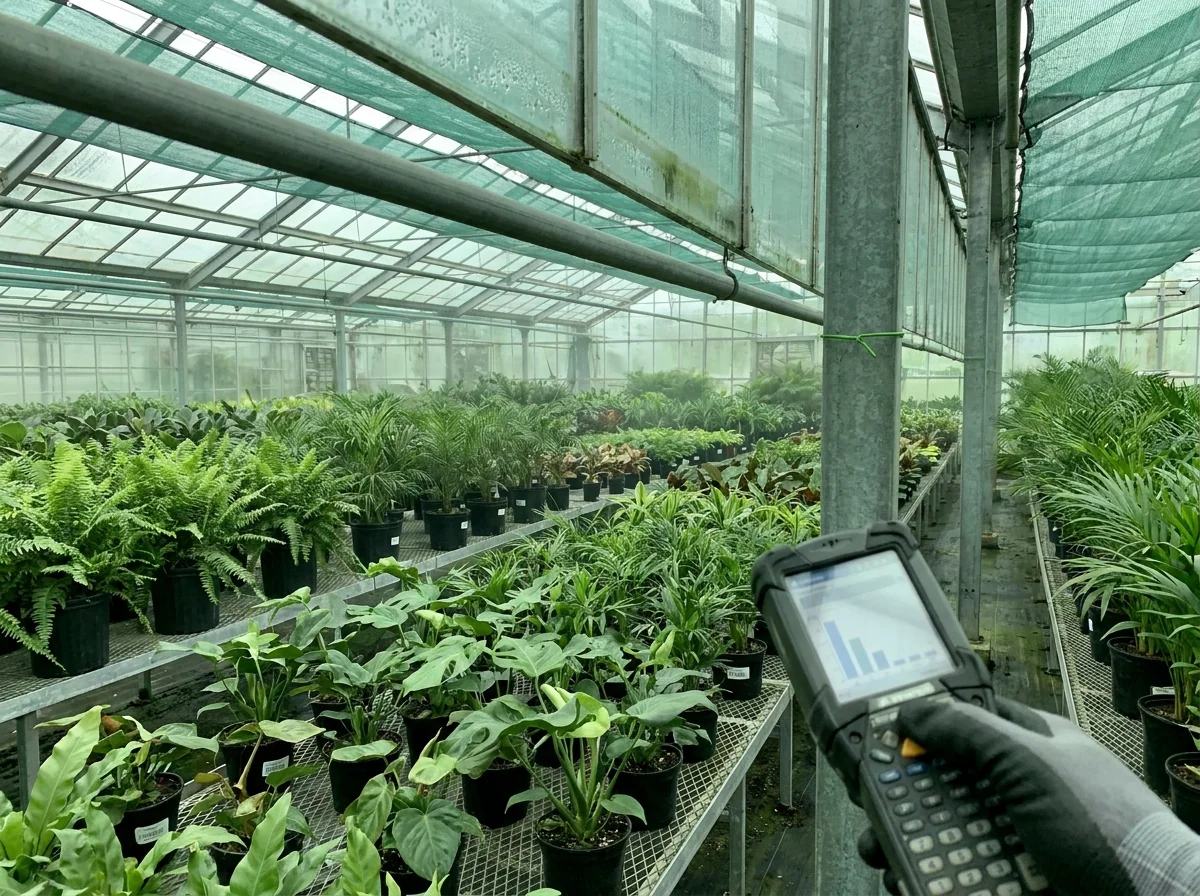
This shouldn't be a lucky property of the till alone — offline-first is a design principle worth applying across the whole toolkit, from the counter to whatever's used out on the site. A well-built stocktaking app, for instance, works offline by design: it needs the internet only for the first sign-in, then carries on counting in the polytunnels and back fields where there's no signal at all, syncing when it's back in range.

Do the work locally, on the device, and treat the connection as something that catches up rather than something the work depends on. For a nursery whose stock and customers don't live near a strong signal, that's the difference between software that fits the site and software that fights it.

atlas core

How Atlas Core handles selling through a connectivity outage

Atlas Core puts these principles to work at the counter and beyond:

  • The queue never stops. Atlas Cassa runs as a native app on the till, so cashiers keep ringing cash, card, voucher and on-account sales even while the site's line is down.
  • Card takings stay independent. The card machine talks to the bank on its own connection, and Cassa shows each terminal's Online/Offline status and battery so the cashier picks one that's ready.
  • Nothing is lost in the gap. Un-synced sales are flagged red as Not Transferred, and Cassa refuses to close the session while any completed sale or Z-Report is still waiting to reach Atlas Core.
  • Catching up is one tap. Retry unsent orders and Z-Reports, or Retry All Unsent, when the line returns, with no re-keying.
  • Offline-first across the family. Atlas Tally counts stock in polytunnels and back fields with no signal and syncs when back in range.

Read further

The hidden cost of a dozen tools Tech brief · 2026

The hidden cost of a dozen tools

Stock in one spreadsheet, orders in another, deliveries over WhatsApp. Nobody chooses fragmentation. The real bill arrives later - decisions made on numbers nobody trusts. Why one source of truth makes it disappear.

6 min read · Jun 2026 Read →
Switch systems without losing five years Tech brief · 2026

Switch systems without losing five years

The biggest reason nurseries stay on software they've outgrown is the fear of starting over. It's also the most avoidable. How your catalogue, customers, stock and history move across by spreadsheet, in a checked migration rather than a leap of faith.

7 min read · Jun 2026 Read →

See how Atlas Core keeps you trading through anything.

Built for real sites with imperfect lines — keep selling through an outage and reconcile in a couple of clicks. Talk to us about how Atlas Core fits your nursery.