library · tech brief

Switch systems without losing five years.

The single biggest reason nurseries stay on software they have outgrown is the fear of starting over — of leaving five years of plants, customers and history behind. That fear is real, but it is also the most avoidable part of the whole move.

the fear

You are not starting from scratch.

Your records are not trapped — they are data, and data moves. The question was never whether your history can come with you. It is whether the move is done as a careful, checked migration or a blind leap.

why people stay stuck

The cost of the leap is mostly imagined.

Ask a grower why they are still on a system that fights them every day, and the answer is rarely "it works well." It is "I can't face re-entering everything." Five years of customers, the whole catalogue, every price, the stock on every bench — the thought of keying it all in by hand is enough to keep a business on the wrong tools for another decade.

That dread is understandable, but it rests on a false picture: that switching means retyping. It doesn't. Your old system, however clunky, is still a database. The catalogue, the customer list, the price lists, the stock figures already exist as structured data, and structured data can be exported, mapped and imported. The job is not transcription. It is translation: taking what you already hold and laying it down in the shape the new system expects.

Done well, that is a project with stages and checkpoints rather than a single terrifying night where everything either works or it doesn't. The history comes across, and the fear does not survive contact with the method.
Your business, as data.

what comes across

Your business, as data.

Almost everything that matters is already structured enough to move. The catalogue: products and the variants beneath them, with their codes, names, units and prices. The people: customers and suppliers, with their addresses, VAT numbers and terms. The stock: what sits on each bench, in what quantity, at what value.

These are the bones of the business, and they travel as rows in a file. Open quotes and orders come over so you don't drop a sale mid-flight; the historical record of what you sold, to whom and for how much comes over so last year's numbers still mean something. You are moving the business, with its memory intact.

A spreadsheet, not a marathon.

how it actually moves

A spreadsheet, not a marathon.

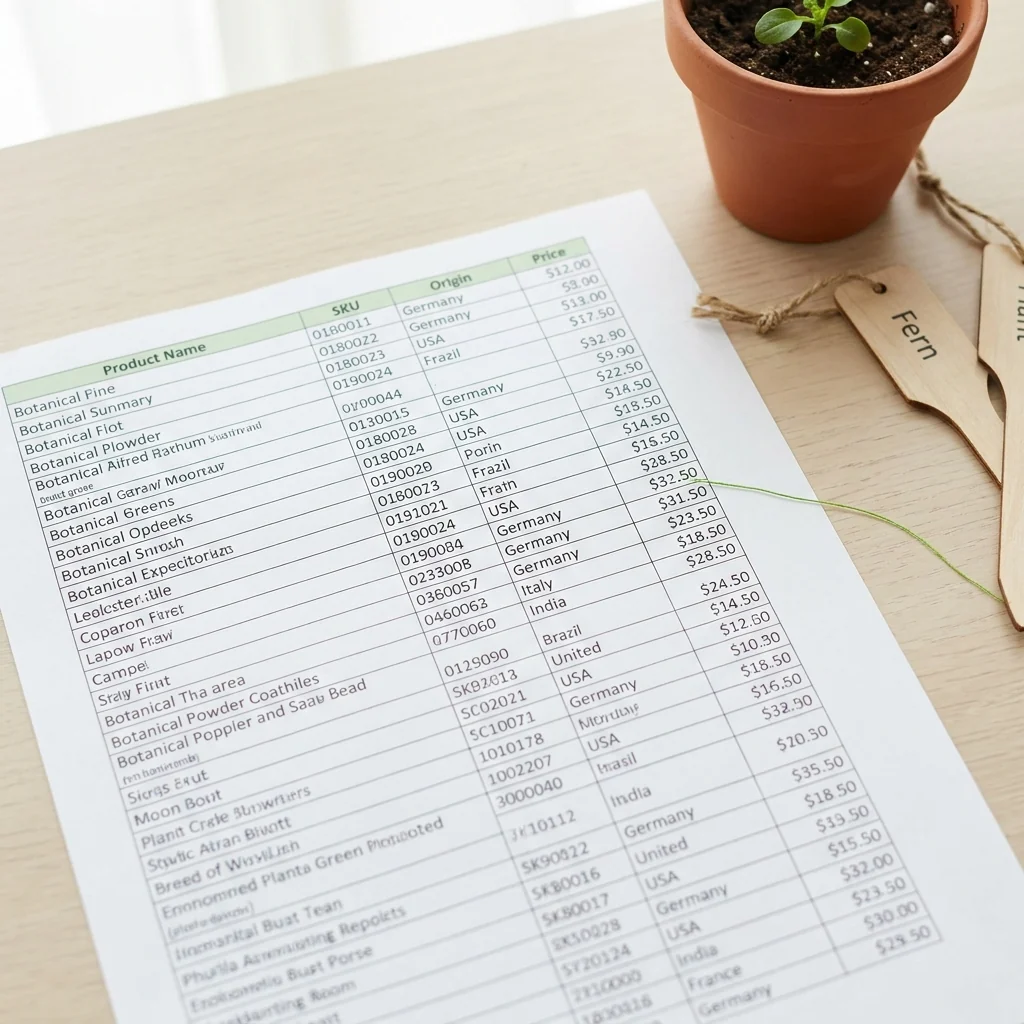
The mechanism is deliberately ordinary: a spreadsheet. A well-designed system takes the catalogue as an Excel upload — you fill a template with a row per product, and the system reads them in. Variants attach to their parent product the same way. It is the same shape of file your old system can export and your team already understands.

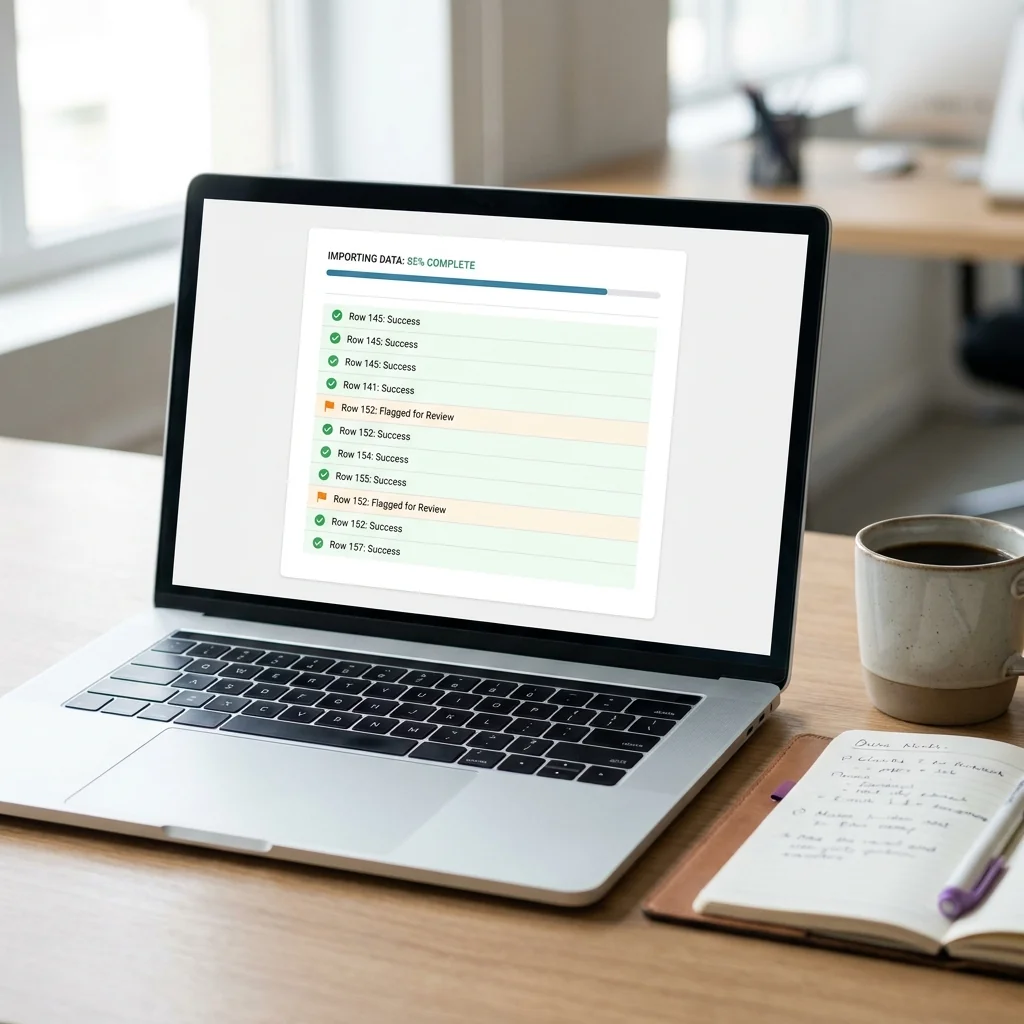
The import runs row by row. A problem on row 40 does not stop rows 41 onwards; that row is set aside while the rest go through. So a file of three thousand products doesn't fail as a block because of one bad cell. It is a process you can run, review and run again.

the safety net

A migration you can check before you trust it.

The difference between a calm switch and a frightening one is verification — being told exactly what came across cleanly, what didn't, and why, before anyone relies on the new system.

A good import does not silently swallow your data and hope. It reports back. When a product upload finishes, it should tell the person who ran it what succeeded, and where rows failed hand back a spreadsheet of exactly those rows, each tagged with the reason: a code that's too long, a tax symbol it doesn't recognise, a plant class that doesn't match one you've set up.

That turns migration into a tight loop instead of a guess. You fix the flagged rows in the failures file, upload again, and only the previously broken rows need attention — the clean ones are already in. Nothing is lost in a black box, because every rejection is named and handed back to you. You reach go-live knowing precisely what made it across, rather than discovering the gaps weeks later when a customer or an inspector asks.

A fresh house for old furniture.

a clean foundation

A fresh house for old furniture.

A move is also a rare chance to leave the junk behind. Years on any system leave dead products, duplicate customers and prices nobody has touched since 2019. The export-map-import path lets you bring across what you use and quietly drop what you don't, rather than carrying a decade of clutter into the new place.

And what you bring should land somewhere clean. The system worth choosing gives each business its own database, configured to its own company profile from day one, rather than a shared table you've been dropped into. The migration is furnishing a house that is yours, with the belongings you chose to keep.

Data that came in can go out.

the door stays open

Data that came in can go out.

The same property that makes coming in painless makes the decision safe: data that can be imported can be exported. A system built to take a spreadsheet in is a system that can hand one back — which means moving in is not a trap. Your records remain yours, in a form you can take with you.

That matters beyond the migration itself. The fear of starting from scratch is really a fear of being locked in, of a vendor holding your history hostage. The honest answer to it is portability in both directions. Choose a system that makes export as ordinary as import, and the leap stops being a leap at all.

atlas core

How Atlas Core handles migration without data loss

The method above is exactly how Atlas Core is built to bring a nursery across:

  • Spreadsheet-first onboarding — import your whole catalogue, products and their variants, from an Excel template your old system can already export. You map fields rather than retype five years of records.
  • Row-by-row imports that never fail as a block — one bad cell on row 40 is set aside while the other 2,999 products go through, so a single error can't stall the migration.
  • Named failures handed back — every run emails the operator a summary and attaches a spreadsheet of the rejected rows, each tagged with the reason (over-long code, unrecognised tax symbol, unmatched plant class) for a fix-and-re-upload loop.
  • A private database per business — your catalogue, customers and stock land in a clean space configured to your own company profile, rather than a shared communal table.
  • Two-way portability — the same spreadsheet mechanism that brings data in can export it back out, so the move stays reversible and your records stay yours.

Read further

That webshop order might be illegal Field guide · 2026

That webshop order might be illegal

Hand a plant across the counter and it needs no passport; post it from your webshop and the law changes. Distance sales pull retail under the plant-passport rule - the carve-out that catches any nursery adding a 'buy online' button.

7 min read · Jun 2026 Read →
A tree and a pot, same database? Tech brief · 2026

A tree and a pot, same database?

A living field-grown tree and an inert plastic pot share a price list yet share almost no attributes. Why rigid product databases fail horticulture, and how a two-level catalogue lets each line be exactly what it is.

6 min read · Jun 2026 Read →
One system rarely fits every nursery Tech brief · 2026

One system rarely fits every nursery

A wholesale grower and a garden centre barely overlap, yet generic ERPs sell everyone the same slab. Why a modular system shaped around six horticulture business types shows each nursery only the modules that fit how it actually works.

6 min read · May 2026 Read →

Bring your five years with you.

When you switch, your catalogue, customers and stock come in by spreadsheet — row by row, with every rejected row named and handed back to fix. Talk to us about mapping your old system across without losing the history.